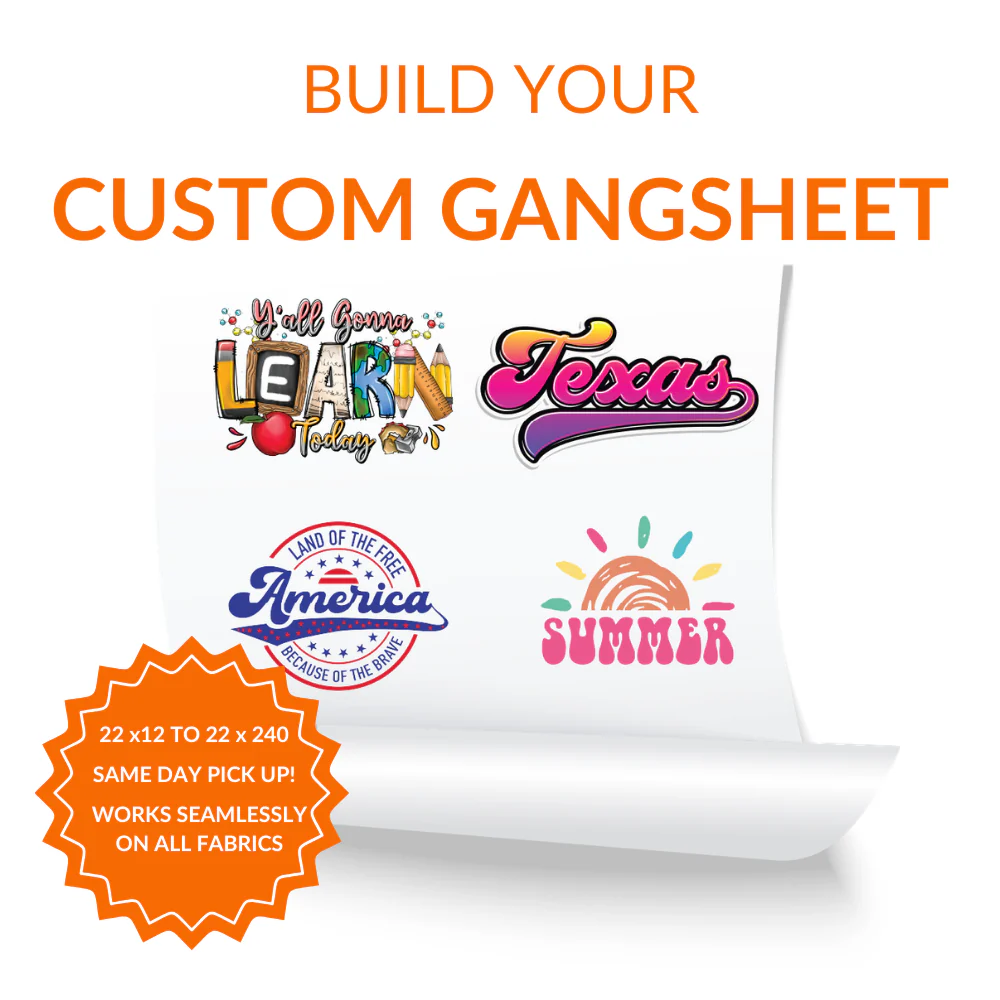
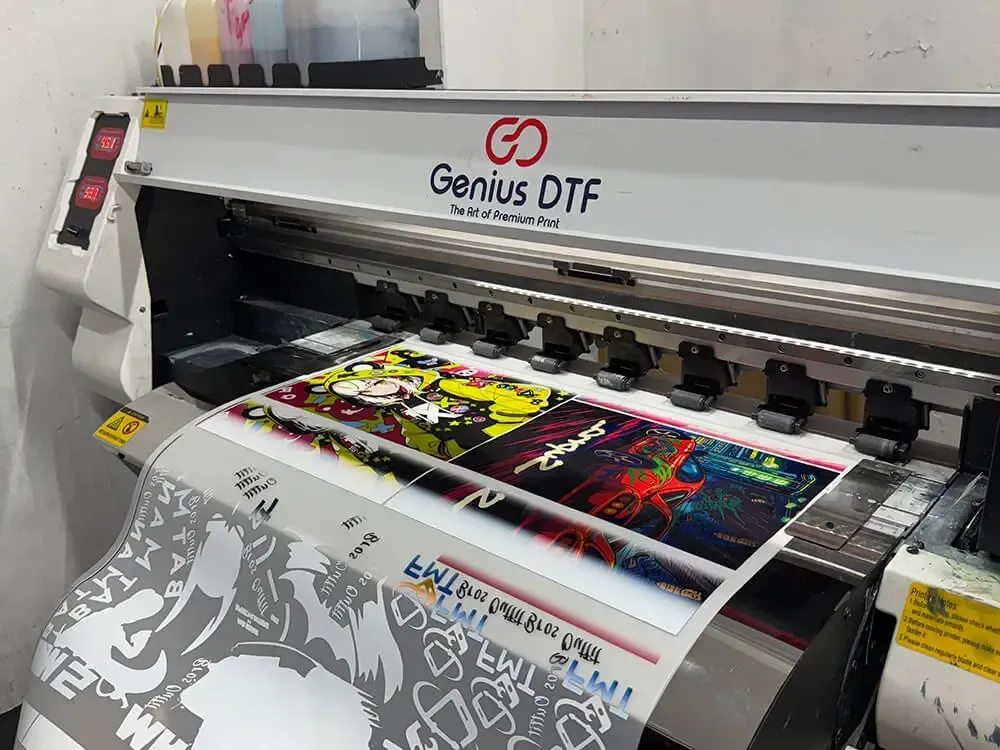
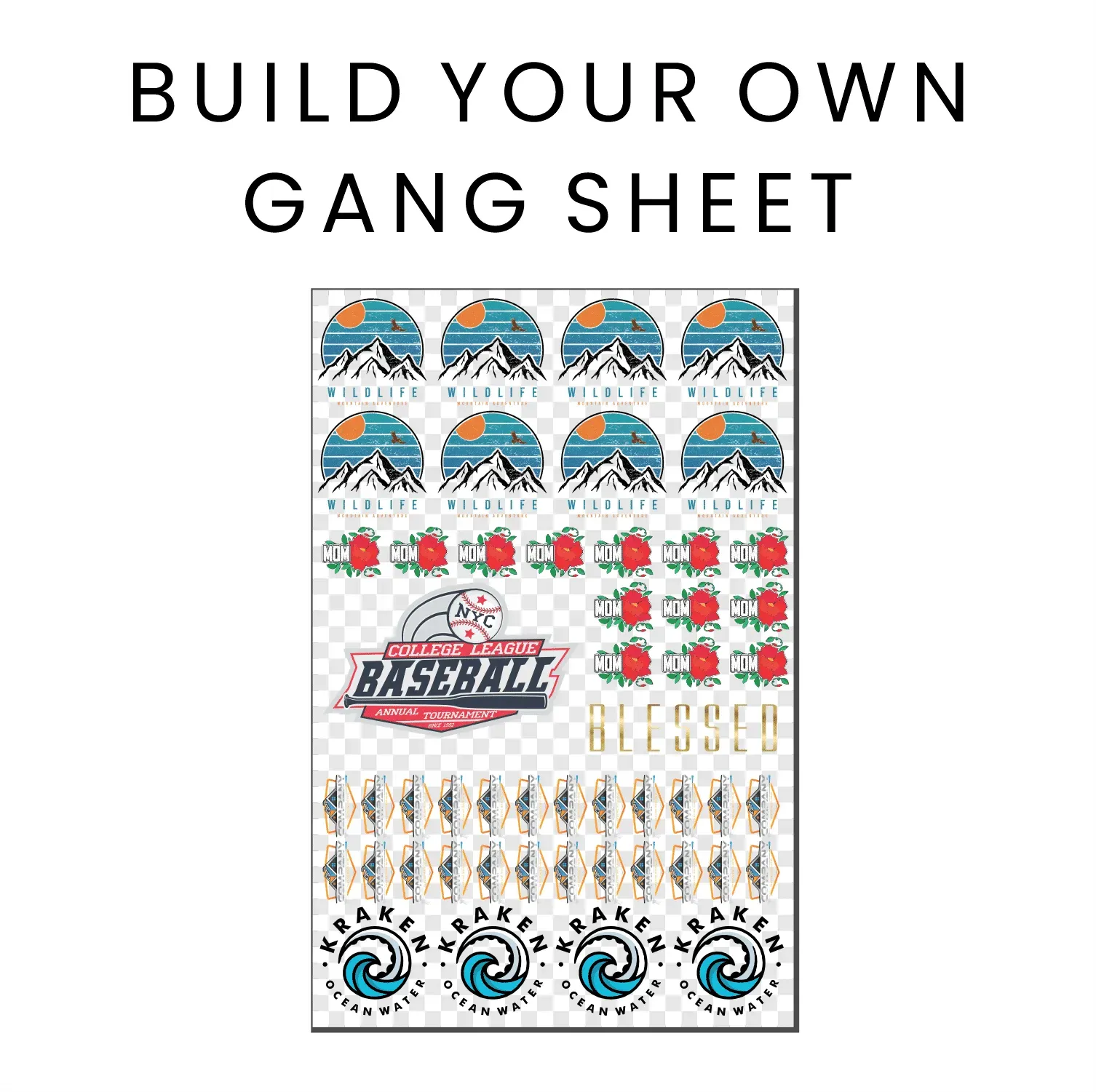
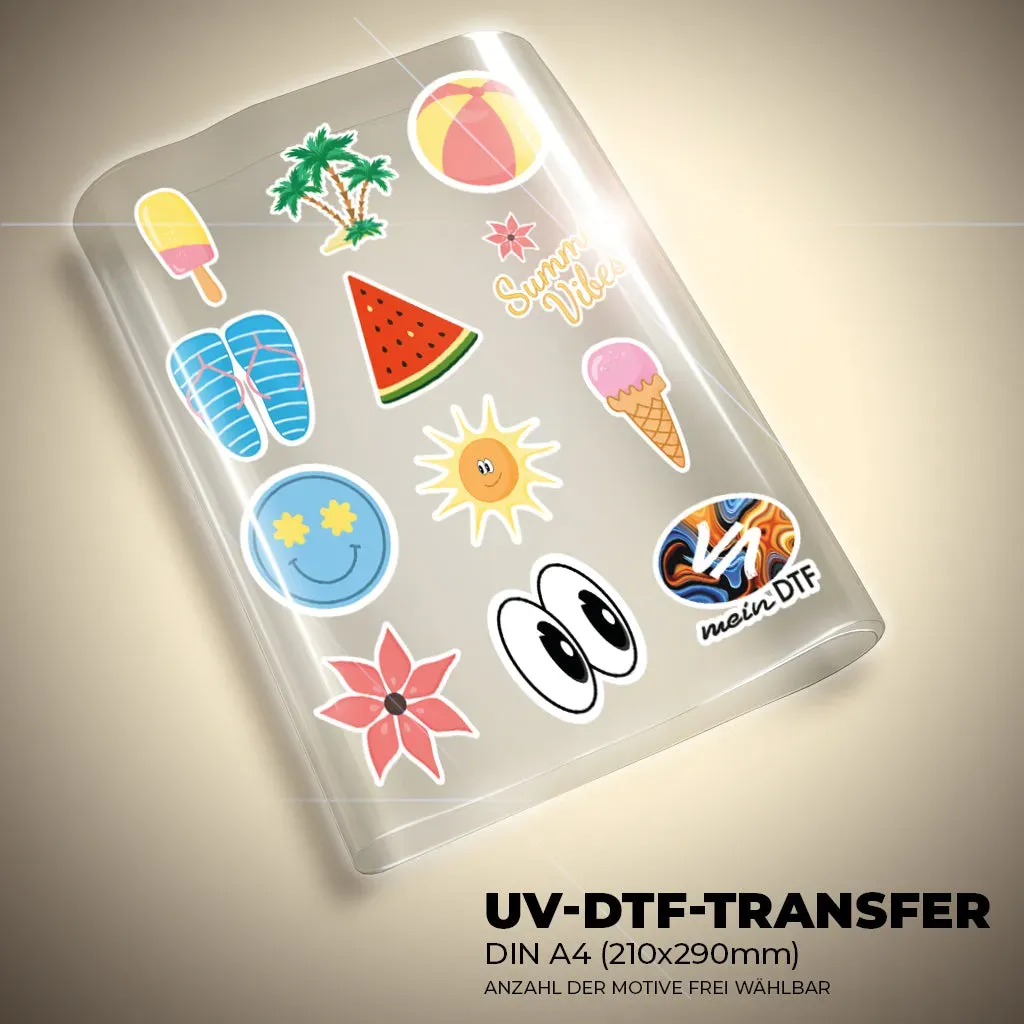
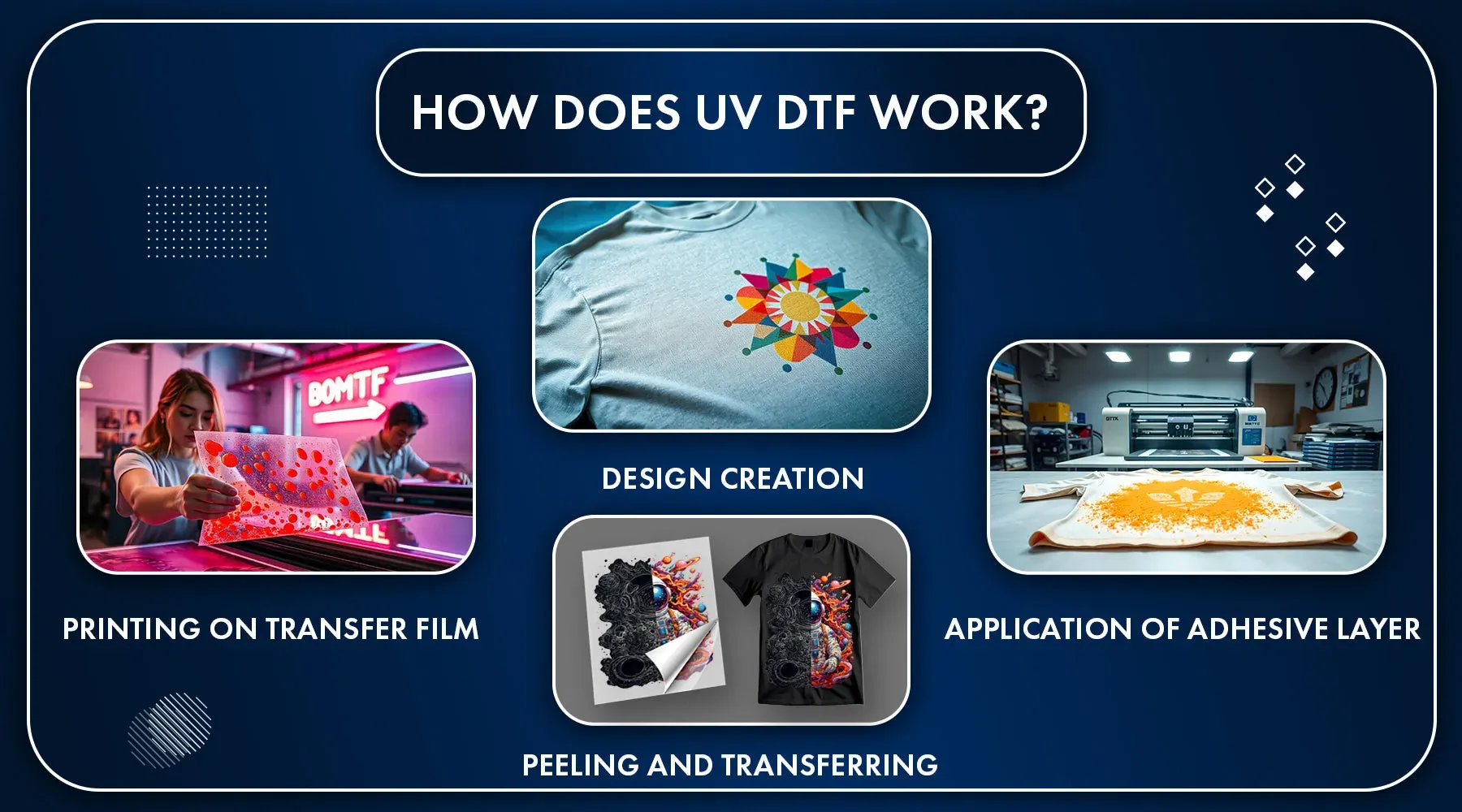
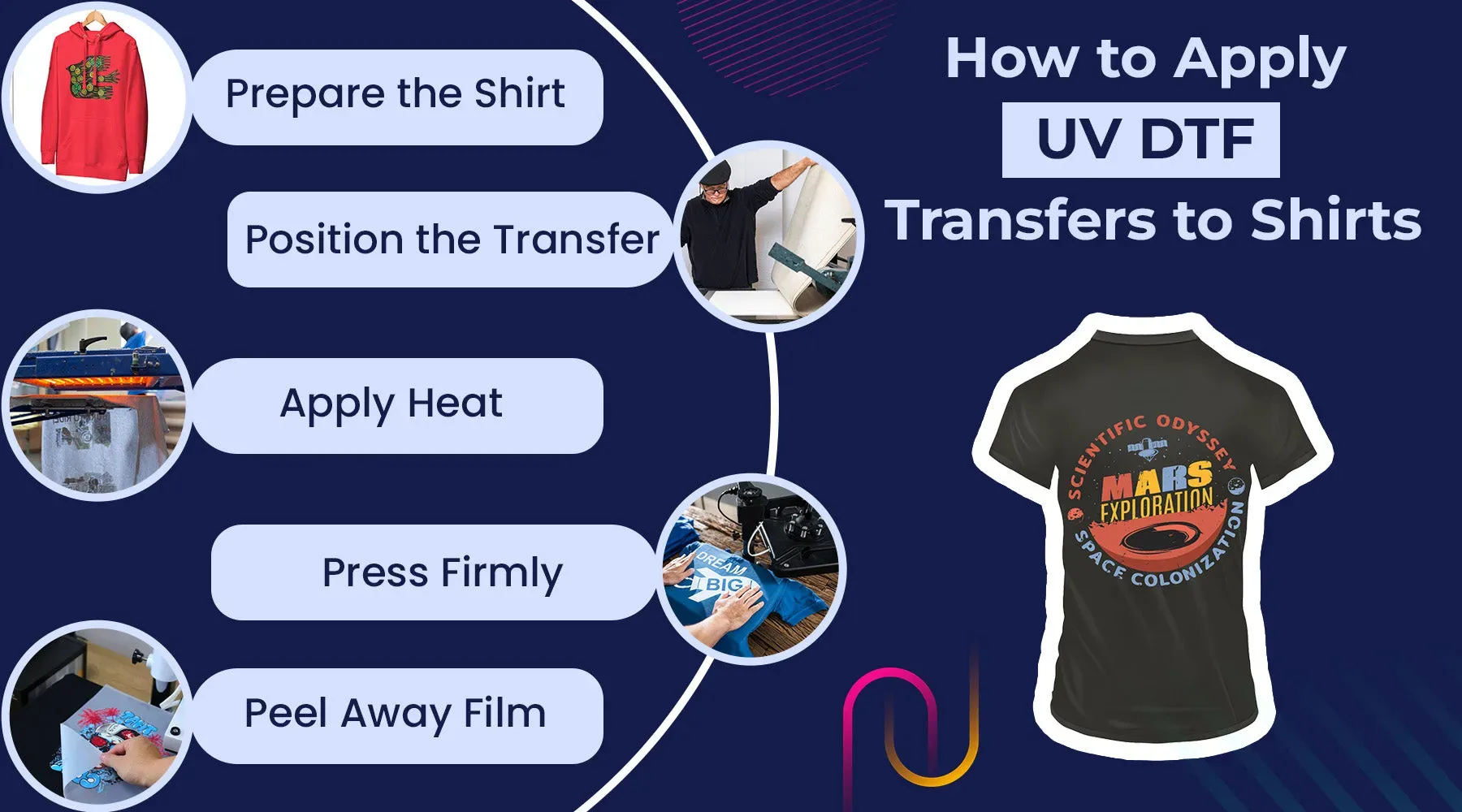
DTF gangsheet workflow is the streamlined method that helps small shops turn multiple designs into a single efficient print run, reducing setup time and waste, while keeping workflows approachable for beginners and scalable for growing studios. A robust gangsheet builder enables teams to assemble a multidesign gang sheet that packs diverse artwork into a cohesive, printer-ready block. Alongside practical gang sheet layout tips, the process emphasizes DTF print planning to ensure color accuracy, margins, and cutting tolerance across designs. In practice, this approach aligns the art assets with the printer’s capabilities through the DTF printing workflow, providing predictable results from concept to transfer. By focusing on planning, repeatable grids, and clear communication, you can scale your operations while delivering high-quality transfers on-demand, and this disciplined approach also supports sustainable production by reducing waste and enabling reliable delivery timelines across multiple orders.
DTF gangsheet workflow: From Concept to Print-Ready Master Sheet
DTF gangsheet workflow unifies concept, design collection, and print-ready output into a repeatable process that scales from a single order to large runs. By treating the gang sheet as the production unit, you align artwork, color management, and placement in a way that supports the broader DTF printing workflow and strengthens consistency across designs. Using a dedicated gangsheet builder makes grid setup, margins, and bleed predictable, enabling multidesign gang sheet projects to move from idea to production with less guesswork.
Planning the sheet begins before any design is opened: define sheet size, determine how many designs fit, and identify garment types and print areas. This is DTF print planning in action—size constraints, spacing rules, color limitations, and edge-to-edge considerations all feed into a reliable layout. A well-scoped plan reduces rework and ensures that the final transfer stays legible and aligned on every garment.
Placement and color consistency are the core of the workflow. Arrange designs on a grid with identical margins and predictable spacing, implement a single color profile for the entire gang sheet, and prepare a print-ready export that includes bleed for cutting variances. When you follow these steps as part of the gangsheet builder workflow, you create a scalable process that minimizes setup time and maximizes throughput, even for large multi-design runs.
Gang Sheet Layout Tips for Efficient DTF Print Planning and Production
Gang sheet layout tips emphasize a disciplined approach to grid design, template use, and asset preparation. Start with standard sheet dimensions (for example 12×16 or 14×18) and a fixed cell size, then reuse templates to speed up future runs. This aligns with the gangsheet builder approach and helps maintain consistent margins, orientation, and readability across designs.
Color management and proofing are part of the layout discipline. Convert colors to the printer’s profile, include a small legend or swatches, and run soft proofs to anticipate shifts before physical printing. Embedding metadata like design names in the file supports traceability during production and aligns with best practices in the DTF printing workflow.
Automation and post-processing improve throughput. Use batch actions or scripts to align, scale, and arrange multiple assets within the grid, generate export-ready sheets, and standardize bleed and safety areas. With these cadence-based tips, the gang sheet becomes a repeatable template for future orders and a core driver of efficiency in your multidesign gang sheet work.
Frequently Asked Questions
What is the DTF gangsheet workflow and how does it improve efficiency for multi-design projects?
The DTF gangsheet workflow is the end-to-end process of planning, designing, assembling, and producing print-ready gang sheets that carry multiple designs on a single sheet. It centers on a reliable gangsheet builder and a multidesign gang sheet layout, ensuring consistent margins, grid alignment, and color management across all designs. By grouping designs into one print run, you reduce setup time, curb material waste, and improve throughput while maintaining transfer quality. Key steps include planning with a clear sheet size, grid, bleed, and safety areas, exporting a single high-resolution file, and proofing before production.
What are essential steps in planning and laying out a DTF gang sheet to optimize the DTF printing workflow?
Start with DTF print planning: choose sheet size, determine how many designs fit, and set margins and bleeds. Use gang sheet layout tips: establish a regular grid, align designs, and manage color with a single ICC profile. Build a repeatable process with a gangsheet builder and templates to speed up future runs. Finally, proof and validate with a test print to catch alignment, color, or trim issues before full production.
| Aspect | Key Point | Notes |
|---|---|---|
| Definition | DTF gangsheet workflow is the process of organizing multiple artwork designs on a single print sheet for DTF transfers. | Benefits include faster setup, better ink efficiency, and more consistent results across designs. |
| Why it matters | End-to-end process from concept to print-ready sheet; scalable for different order sizes. | Focus on planning, layout, color management, and repeatable exports to support growth. |
| Planning considerations | Sheet size, number of designs, color constraints, and garment types. | Plan margins, spacing, and edge-to-edge feasibility to minimize errors. |
| Tools and software | Design/layout tools (Illustrator, Inkscape, CorelDRAW, Affinity Designer); raster editors (Photoshop, GIMP); color management; simple print-prep exporters. | Establish a reliable, repeatable layout process with a consistent grid and margins; exact tools matter less than process. |
| Step-by-step workflow | 8-step process: Gather designs and grid; define margins/bleed/safety; place designs; color management; add registration/metadata; export; proof; final production. | Keeps the workflow organized and scalable from small runs to large batches. |
| Color management | Calibrate monitor, use consistent ICC profiles, and convert colors to suitable formats; soft-proof when possible. | Helps ensure color integrity across designs and transfers. |
| Automation & templates | Templates for common sheet sizes, batch actions, and standardized export settings. | Improves repeatability and reduces manual positioning time. |
| Case study | Example: 40 designs on a 12×16 sheet; grid 4×3; 0.25 in margins; 0.125 in bleed; one print file exported; test print confirms alignment and color; full run. | Demonstrates significant time savings and reduced material waste. |
| Common pitfalls | Misaligned grids; bleed miscalculations; color drift; overcrowding. | Double-check grid origin, standardize bleed, use consistent color profiles, and avoid overcrowding designs. |
| QA & best practices | Proof on similar substrate; maintain version control; document workflow for quick onboarding. | Facilitates consistent results and faster training for new operators. |
Summary
This HTML table outlines the key points of the base content on the DTF gangsheet workflow, including definition, importance, planning considerations, tools, a step-by-step workflow, color management, automation, a case study, common pitfalls, and QA practices. It serves as a concise reference to support understanding and implementation of an efficient gangsheet builder process.